Recently I threw together a small desktop app for making and viewing timelines. It supports single events as well as spans of time. Events or Spans (Items) have different metadata such as Location, Description, Web Link and Priority associated with them.
When the program is started, it shows a new, blank timeline.
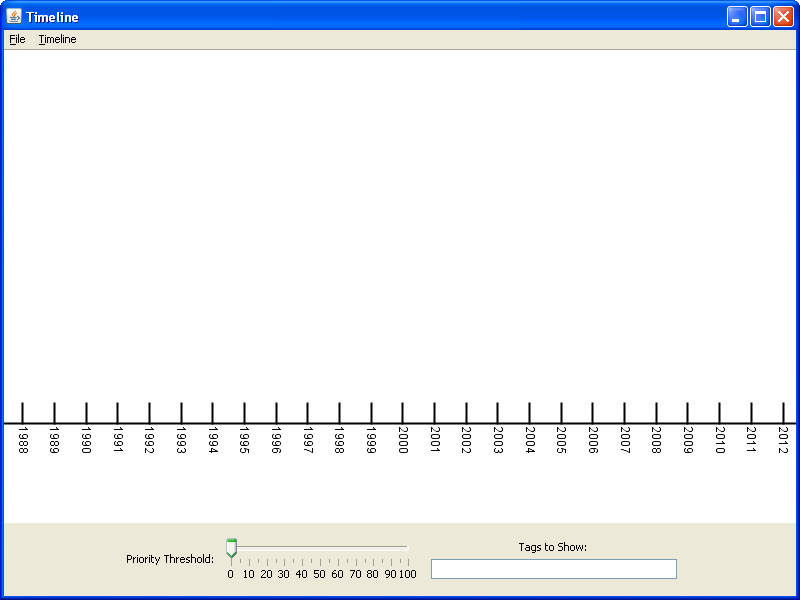
Starting a new Timeline
Events and spans can be added by using the right click menu, the menu bar, or the hot keys.
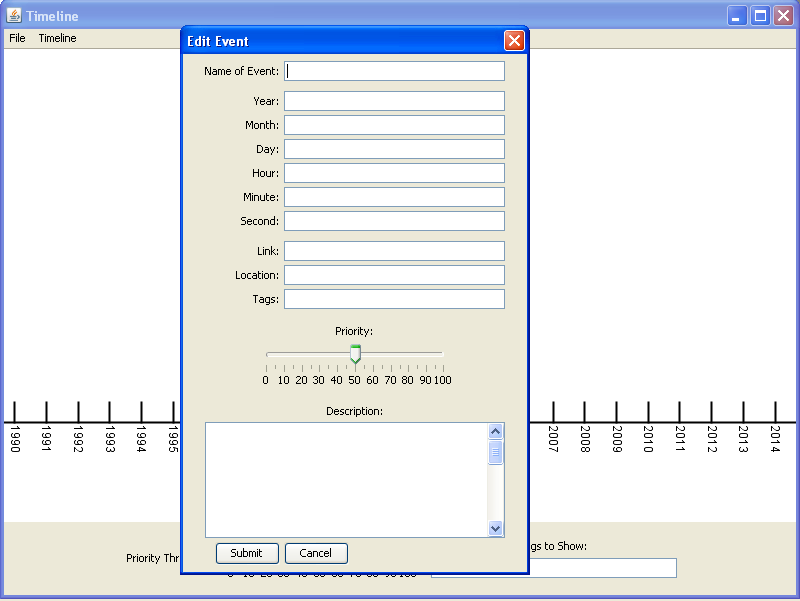
Adding a new Event
Events and Spans are added the the main view.
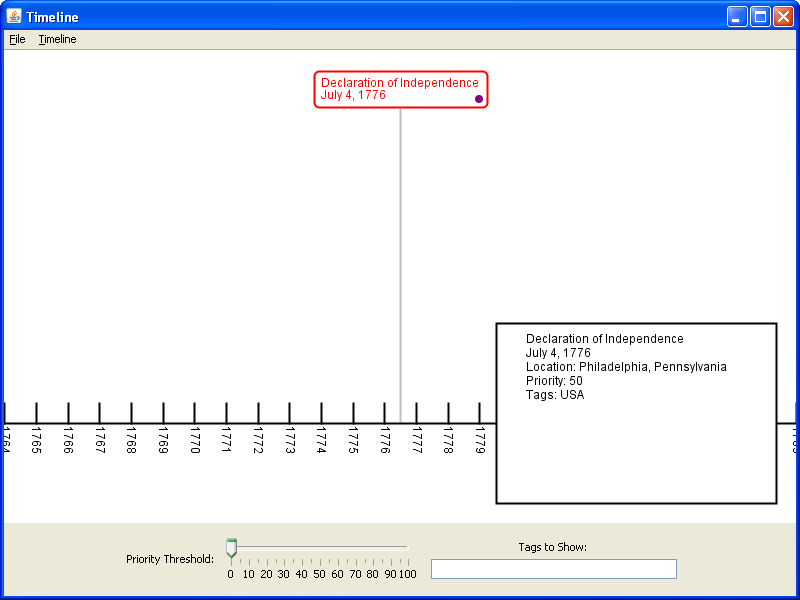
A Single Event
Selected Items are red (by default), and a box in the lower right corner shows info about the Item.
When there are too many items on screen, low priority items can either be manually hidden using the priority slider, or the tag box can be used to show only items with a certain tag(s).
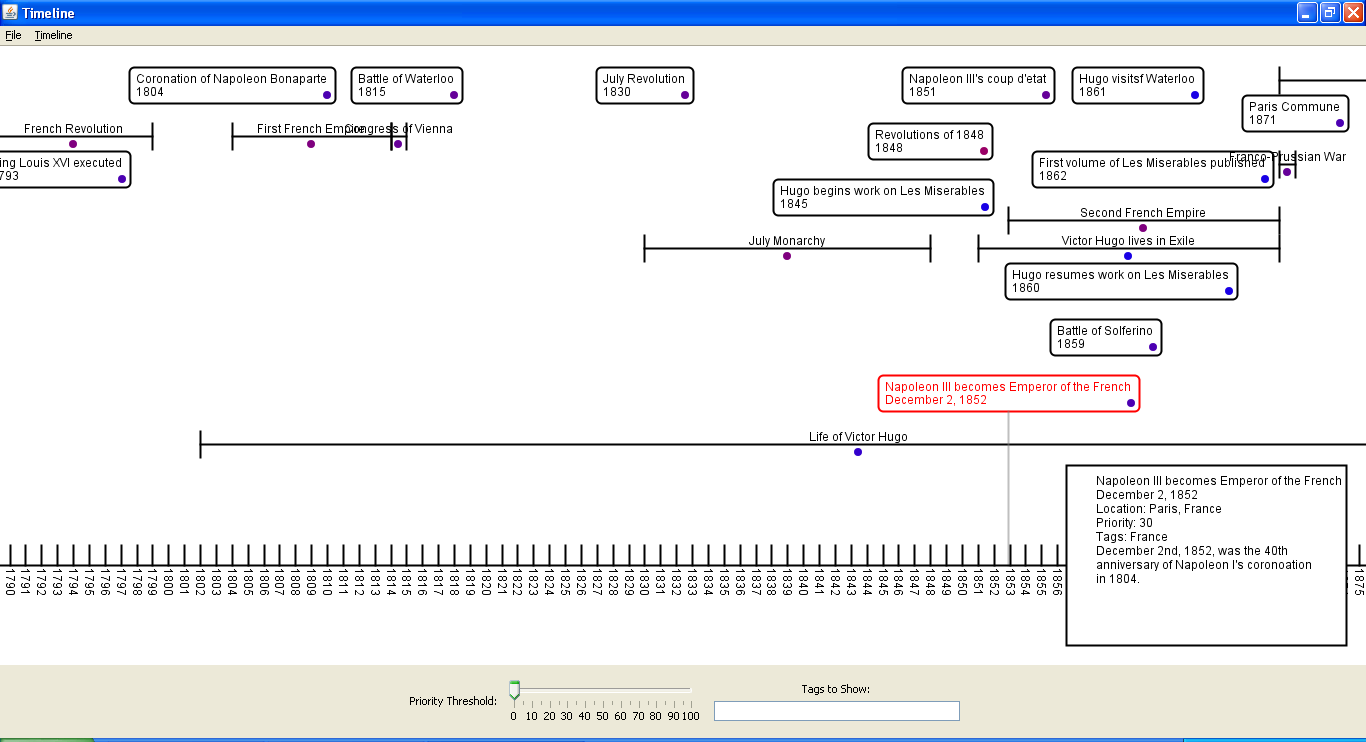
Basic Timeline with Spans and Events
Timelines can either be saved as .timeline files, which only work with this software, or exported as plain text or XML.